200+ YouTube controls
Hide Shorts, recommendations, comments and many more elements. Customize YouTube your way.
Explore Pro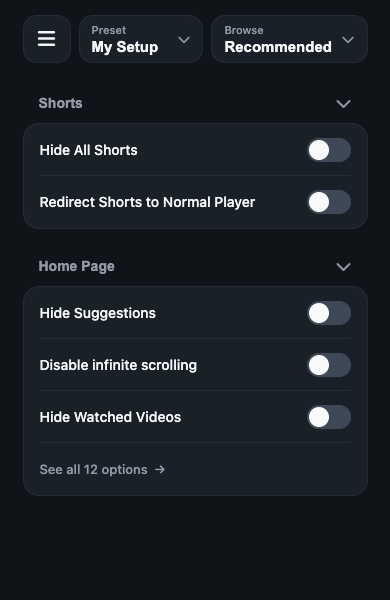
 UnTrap
Get UnTrap — Free
UnTrap
Get UnTrap — Free
UnTrap for YouTube
Remove distractions, set boundaries and take back control of your time on YouTube. A cleaner, calmer and more intentional experience.
Explore the available features and plans in your browser’s store.
Key features
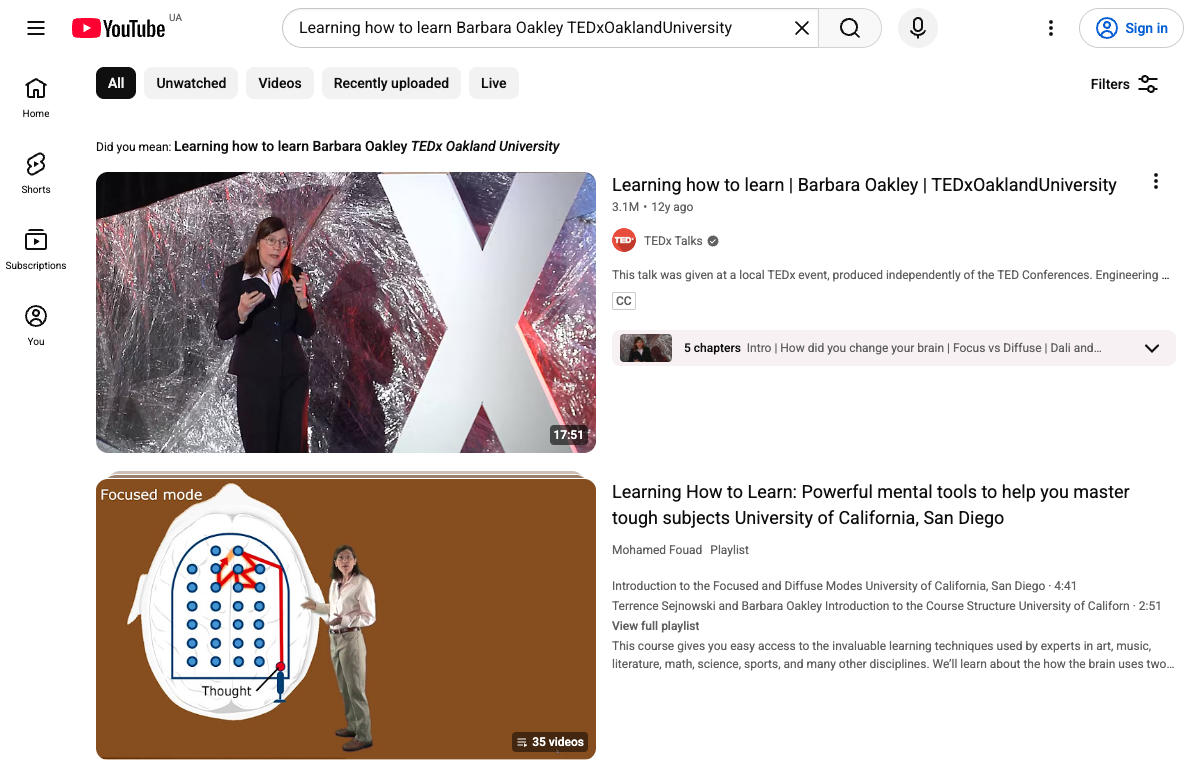
Remove distractions, set boundaries and focus on the content you actually want to watch.
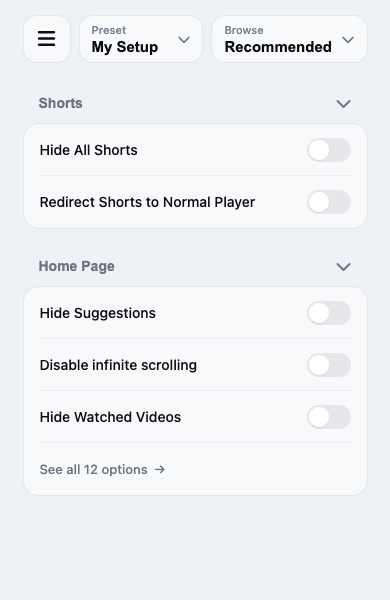
Hide Shorts, recommendations, comments and many more elements. Customize YouTube your way.
Explore ProBlock distracting topics, channels and keywords. Create a cleaner, more focused YouTube.
Explore filters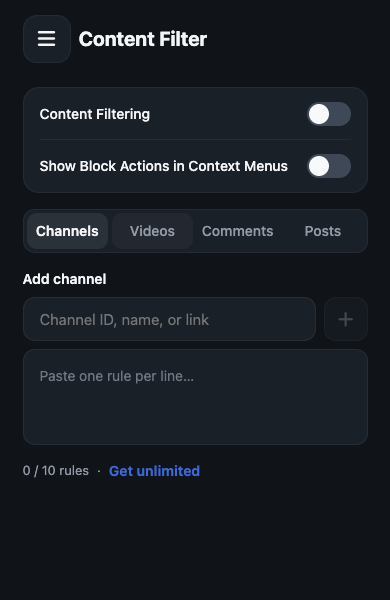
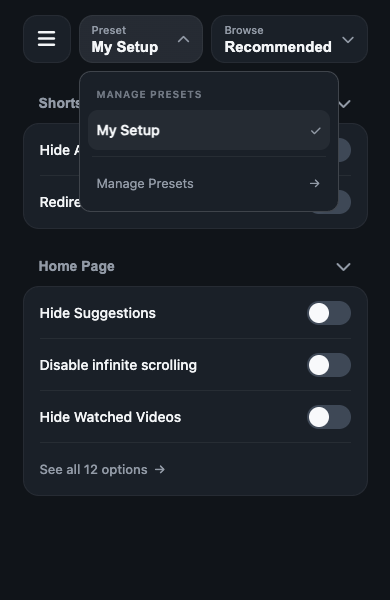
Quickly apply your preferred setup with one click.
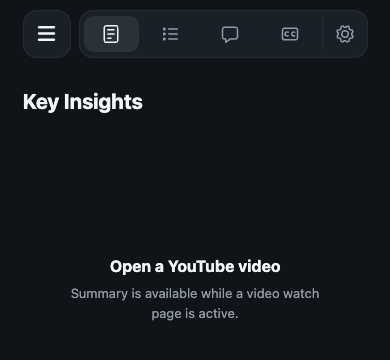
Get key insights without endless watching. Summarize on your terms.
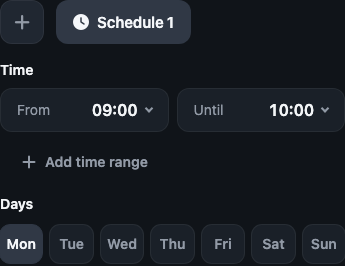
Set focus mode for specific times of the day.
Your settings, everywhere.
Keep your preferred setup across supported browsers.
From the stores
Selected excerpts from Firefox Add-ons reviews.
“This should be default on all platforms.”
Peterh ·
Read full review“Quietly does its job without begging for attention”
Ylve ·
Read full review“This extension gives you freedom to choose.”
RafVne2 ·
Read full reviewFAQ
Quick answers to common questions about UnTrap.
UnTrap offers a core set of features and optional Pro features. Check your browser’s store for availability and pricing, and explore Pro for the full set of tools.
Explore Pro →UnTrap is available for Chrome, Edge, Firefox and Safari. Use the browser links above to open the right store.
UnTrap works with YouTube in supported browsers, including Safari on iPhone and iPad. It does not modify the YouTube app. Availability and features can vary by platform.
Yes. Choose which elements to hide and use content filters to shape what you see. Save your preferred configuration with presets.
Pro adds the full set of YouTube controls, presets, content filters, video summaries, schedules and cross-browser sync.
See plans →Install UnTrap from your browser’s store, follow the setup instructions and open YouTube in that browser. Open UnTrap to choose your settings.
Get help →